Commercial
For campaigns, websites, presentations and brand communication. Choose material licensed for your intended use and check the asset’s restrictions on its platform.
Ask about this use →Start with the destination and the way you plan to use the material. Browse available files on the linked platforms, or prepare a specific enquiry for your project.
For campaigns, websites, presentations and brand communication. Choose material licensed for your intended use and check the asset’s restrictions on its platform.
Ask about this use →For news, cultural coverage and factual publishing. Check whether the file is marked editorial, and follow its use, editing and credit requirements.
Ask about this use →For a precise location, a tailored selection or a use that needs clarification. Describe the scope; availability and any additional rights must be confirmed individually.
Ask about this use →Pick a destination collection, a selected video or the separate digital-art collection.
Confirm the file, format, licence, restrictions and intended use on the destination platform.
Use the platform’s licensing process, or send a specific enquiry with the location, format, use and deadline.
Start with your project, then choose a file and licence that cover the intended use.
Use travel visuals to give a blog, presentation or room a sense of place. Start with a ready-made image and choose the format and rights for your use.
Explore personal projectsBuild a consistent visual story across a campaign, website and video. Browse by location to spend less time looking for matching shots.
Explore business projectsBuild a destination campaign with a clear sense of place. A ready-to-license file can reduce the need for an additional location shoot.
See the material on ArtMajeurBring destination context to a brochure or guest guide. Pair neighbourhood and landmark photos with your own images of the property.
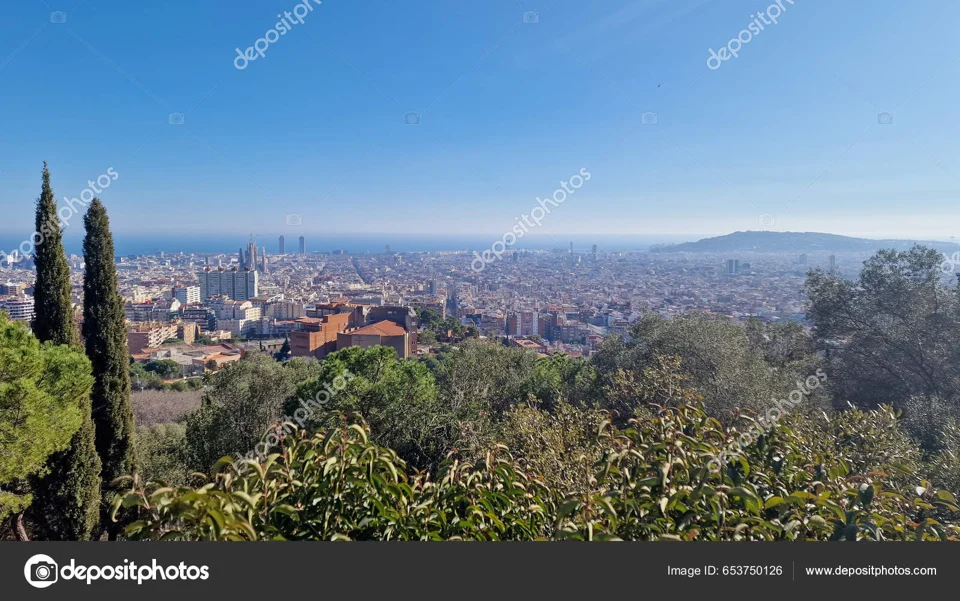
See the material on ShutterstockGive articles and landing pages a specific location and atmosphere. Choose a crop that leaves useful space for text.
See the material on ShutterstockAdd an establishing shot or a change of scene. Check clip format and the rights required for your production.
See the material on Adobe StockConnect a campaign with a recognisable destination. Check whether commercial advertising and adaptations are covered.
See the material on DepositphotosExplore images for a room or a gift. Check print rights, resolution and any product-specific licence before ordering.
See the material on ArtMajeurIllustrative layouts with portfolio previews. Check the licence on the individual material page before using a file.
Open the specific asset or browse the matching collection.
Review the marketplace licence, restrictions and any releases relevant to your project.
Complete the purchase on the platform, or prepare a request for a tailored selection.
Clear next steps for selecting material and preparing a licensing enquiry.
Open a linked stock portfolio or a specific video offer. Availability, file options, prices and licence terms are shown by that platform; this site does not provide a universal price list.
Treat an editorial-only label as a restriction. Do not assume a different or extended licence makes that file suitable for advertising. Check the provider’s current terms for the exact asset and use.
The form prepares a brief for your email app or clipboard. You decide when to send it. The website does not send or store the request.
Open the EmagaTravels material page linked beside the photograph. Check the available file, format, licence and restrictions on the platform. A website preview is not a licensed download.
Use the separate AI & Digital Art collection. Check the individual asset’s information and licence before choosing it for your project.
The relevant platform and individual asset define the licence. These links help you check the terms directly.